Using the Joystick Interface for Analog Signal Control of the E-873 Piezo Stick-Slip Motor Controller
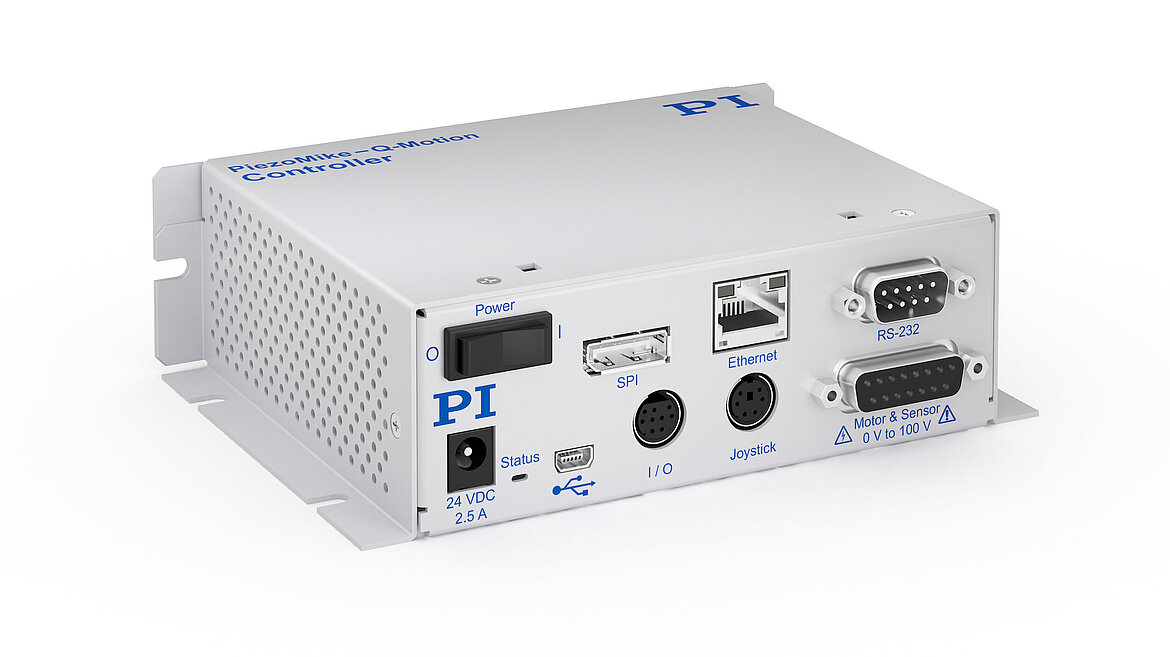
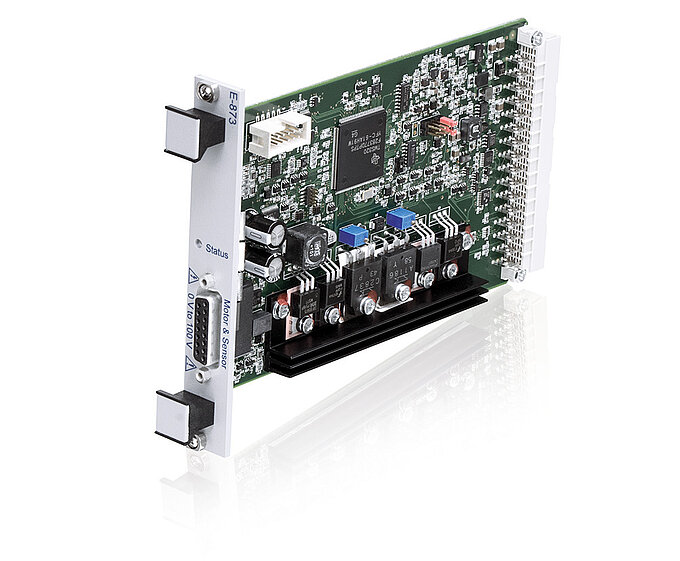
The E-873 piezo stick-slip motor controller supports analog input, but it does not provide direct analog position control comparable to that of a classical piezo-stack nanopositioning system. In a piezo-stack-based stage, the applied control voltage is amplified with a fixed gain and directly drives actuator expansion, so voltage corresponds directly to target position. In contrast, the E-873 reads the analog input signal and processes it through the digital PIMikroMove interface, which then determines and commands the resulting motion.
For a specific customer application, this software-based method did not provide sufficient response speed and was considered too slow and inefficient. The note here describes a more direct analog input path.
Challenge
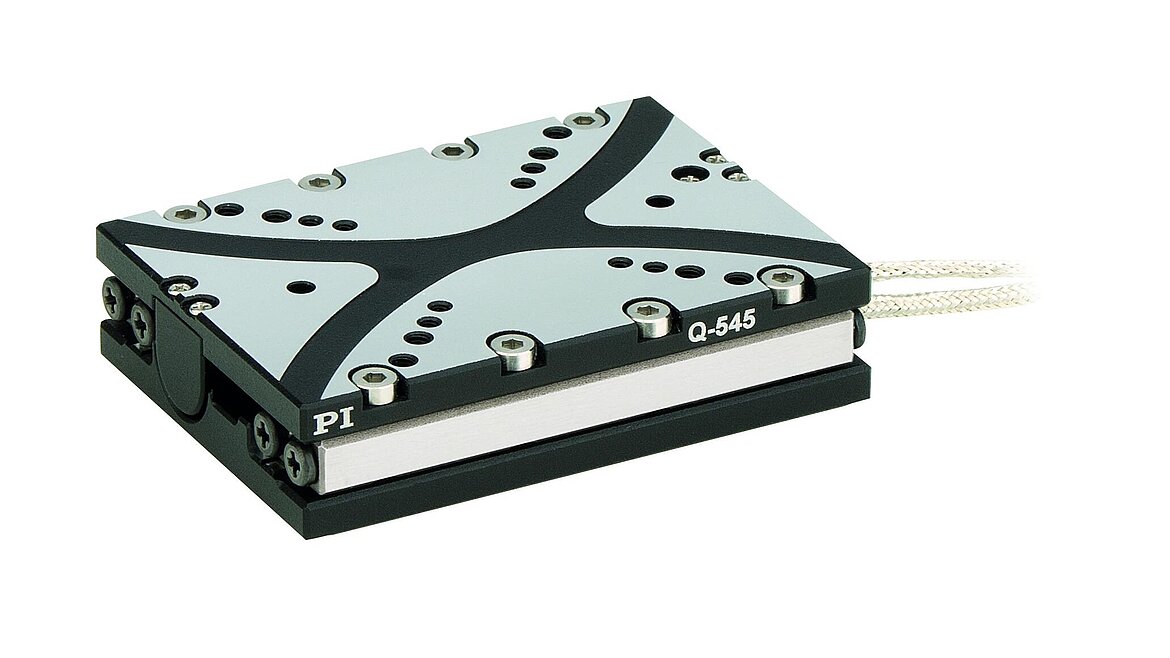
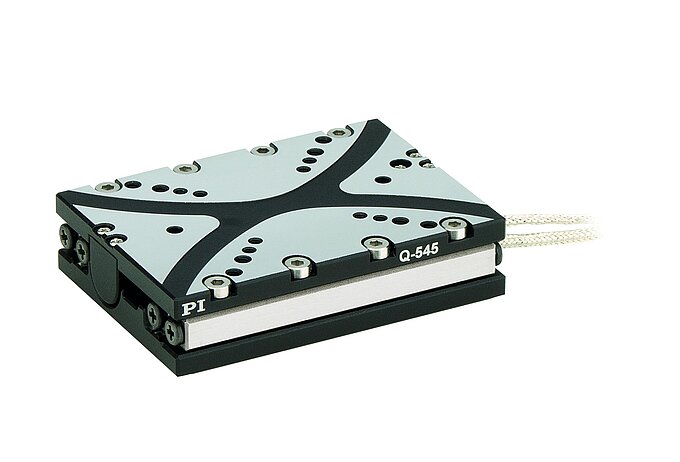
The customer’s goal was to control a Q-motion stage with an analog voltage signal, similar to the behavior of a conventional linear piezo actuator system, where a changing control voltage is directly amplified and produces an immediate position response. However, the analog I/O port of the E-873 could not provide this type of direct functionality for the desired use case.
Solution
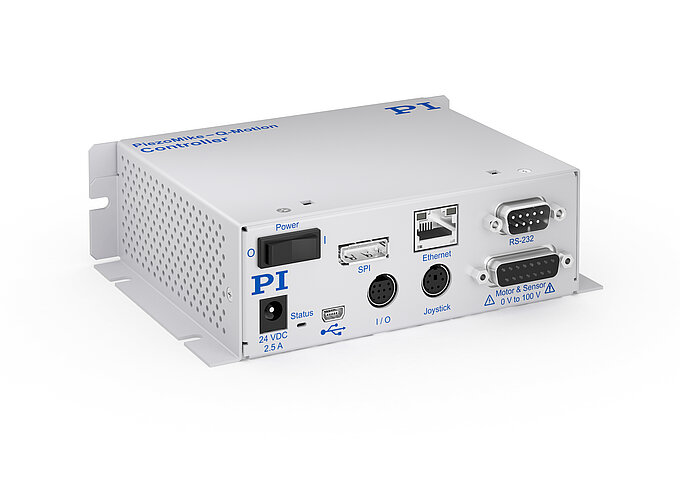
While the standard analog I/O interface was not suitable to achieve this goal, the joystick input of the E-873 provided a practical alternative. This input accepts an analog signal in the range of 0 to 3.3 V and can be configured through the PIMikroMove application.
To interface the external signal source with the controller, a custom cable was fabricated using:
- a 6-pin mini-DIN male connector for the controller side
- a BNC connector for the signal source side
This configuration allowed the analog output of a function generator to be connected directly to the joystick input of the E-873.
Configuration Procedure in PI MikroMove
To enable analog control through the joystick interface, the input device must be calibrated in PIMikroMove.
- Open the E-873 menu tab.
- Select “Configure HIDevices”.
- In the dialog window that opens, click “Test and Calibrate”.
- Open the Calibrate tab.
- Select “User Table 101”.
- Click Calibrate.
- Set the dead band to 0% (from 5% default).
- Leave Parabolic Curve unchecked.
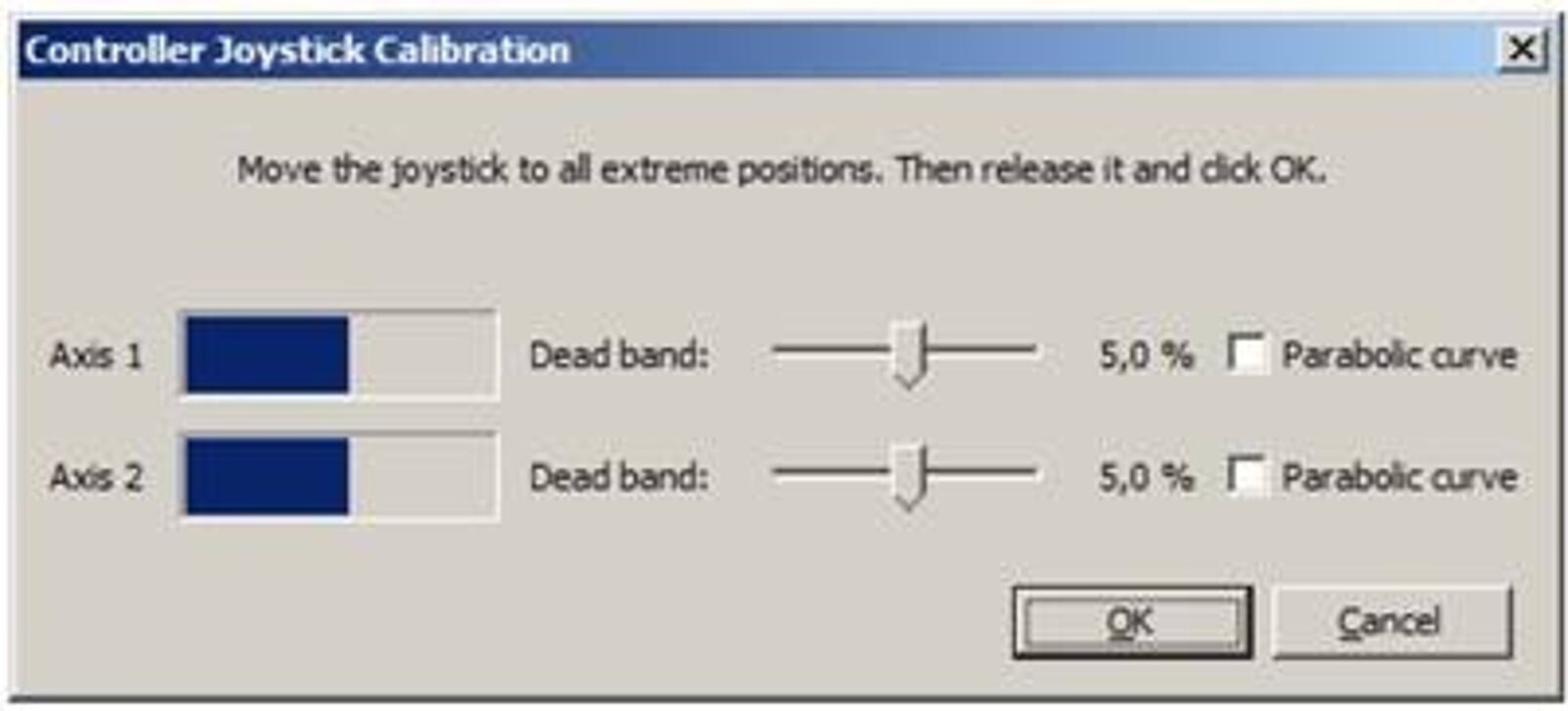
These settings allow the external analog signal to be mapped through the joystick interface for stage control.
Allow the calibration window to detect the minimum and maximum input voltages, as these define the effective endpoints of travel. After calibration, the input signal should be set to the center position, which corresponds to approximately 1.65 V, corresponding to the center position of the piezo positioning stage. Care must be taken when setting this midpoint, since any offset in the center voltage can reduce the available travel range of the stage.
Once calibration is complete, click OK, close the next window, and select Absolute Position so the controller follows the calibrated analog signal. The assigned input should correspond to Axis 1 (x). Then open the HID Control dialog and click Apply. If the servo is enabled, the stage will follow the analog input signal.
Practical Considerations
This method does not convert the E-873 into a true analog-position servo controller. Rather, it provides an alternative analog command path using the joystick interface when the standard analog input method is not fast enough for the application.
Performance will depend on signal quality, controller configuration, and the behavior of the connected stage. Care should also be taken to ensure that the input voltage remains within the specified 0 to 3.3 V range of the joystick port.
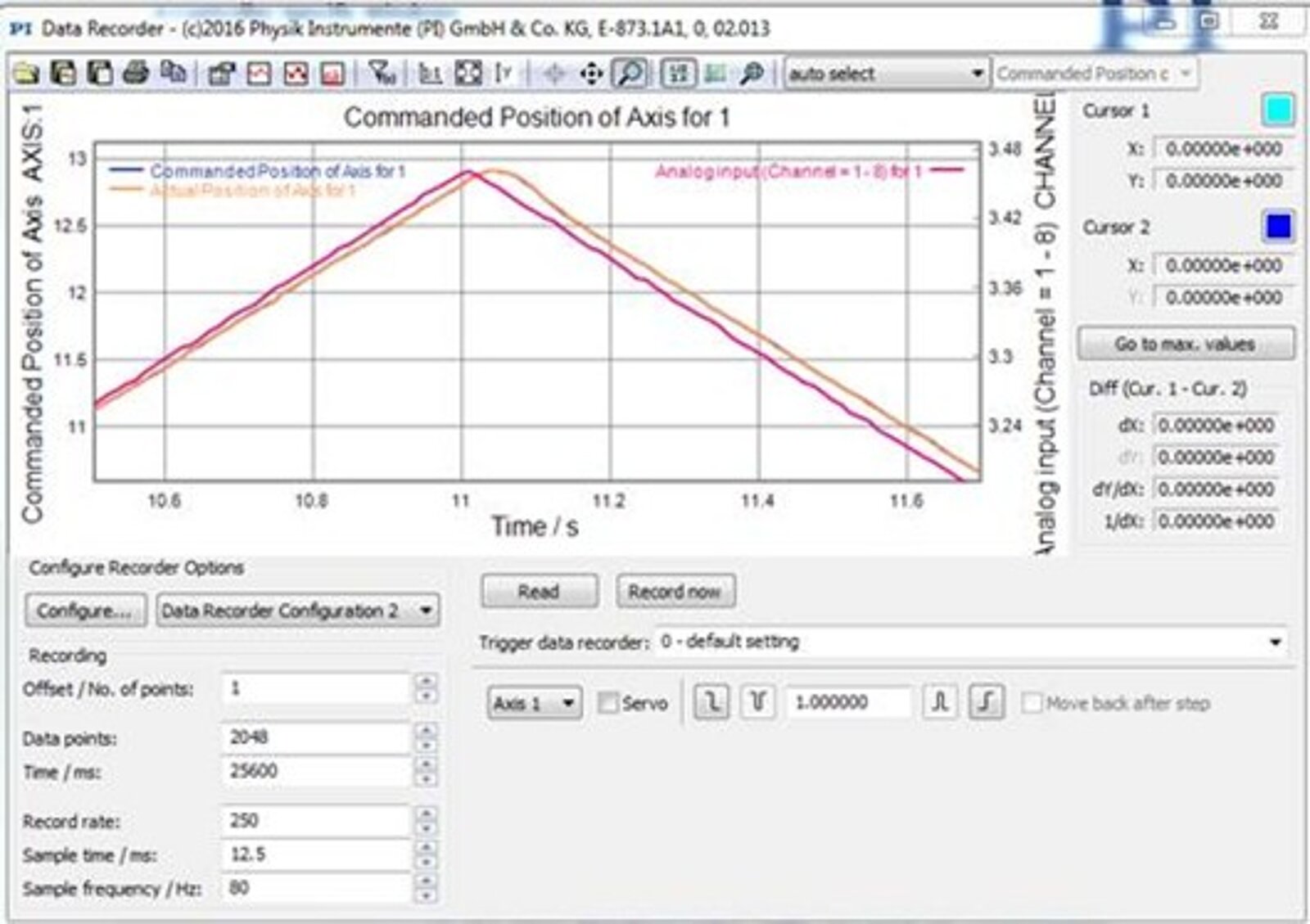
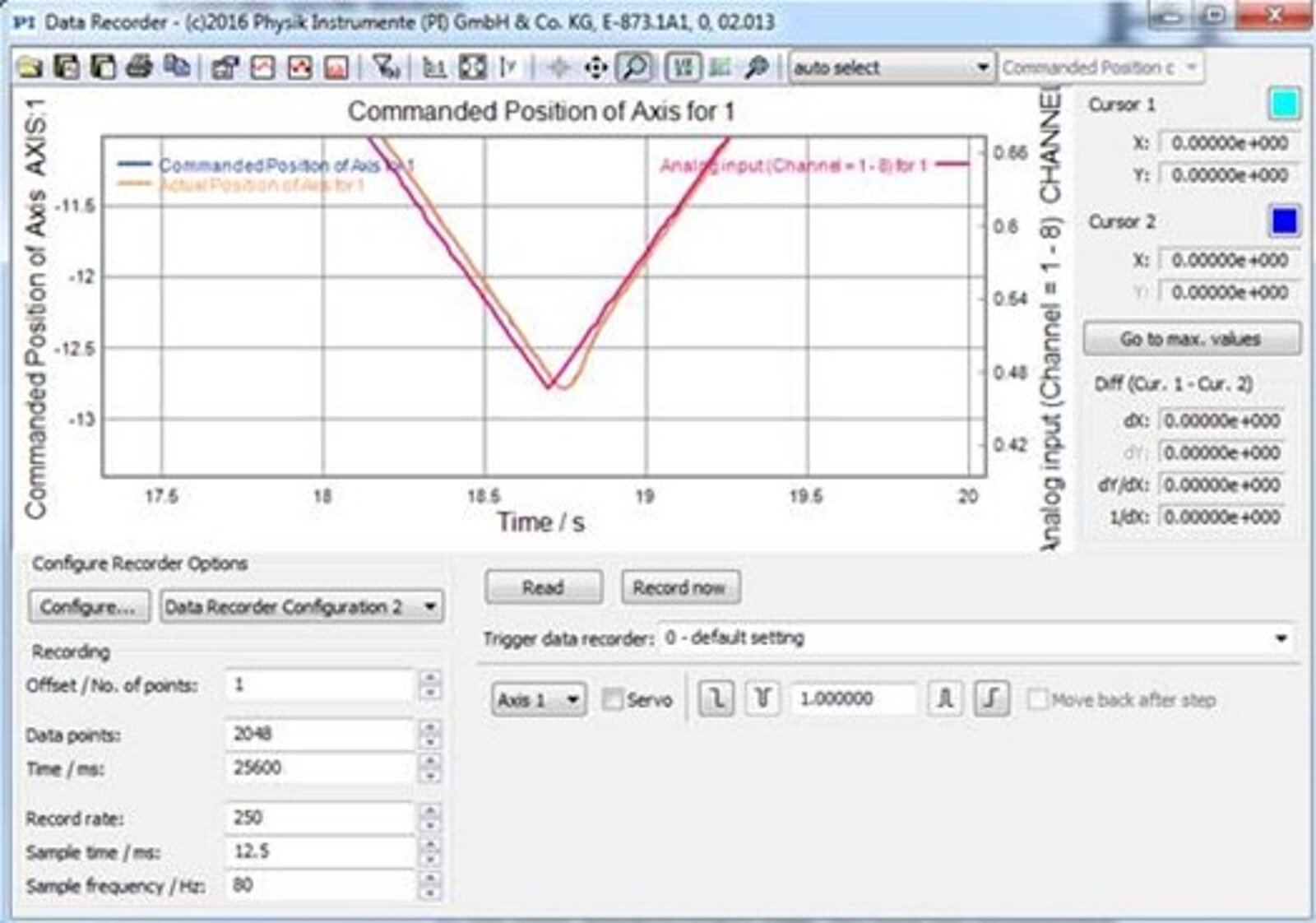

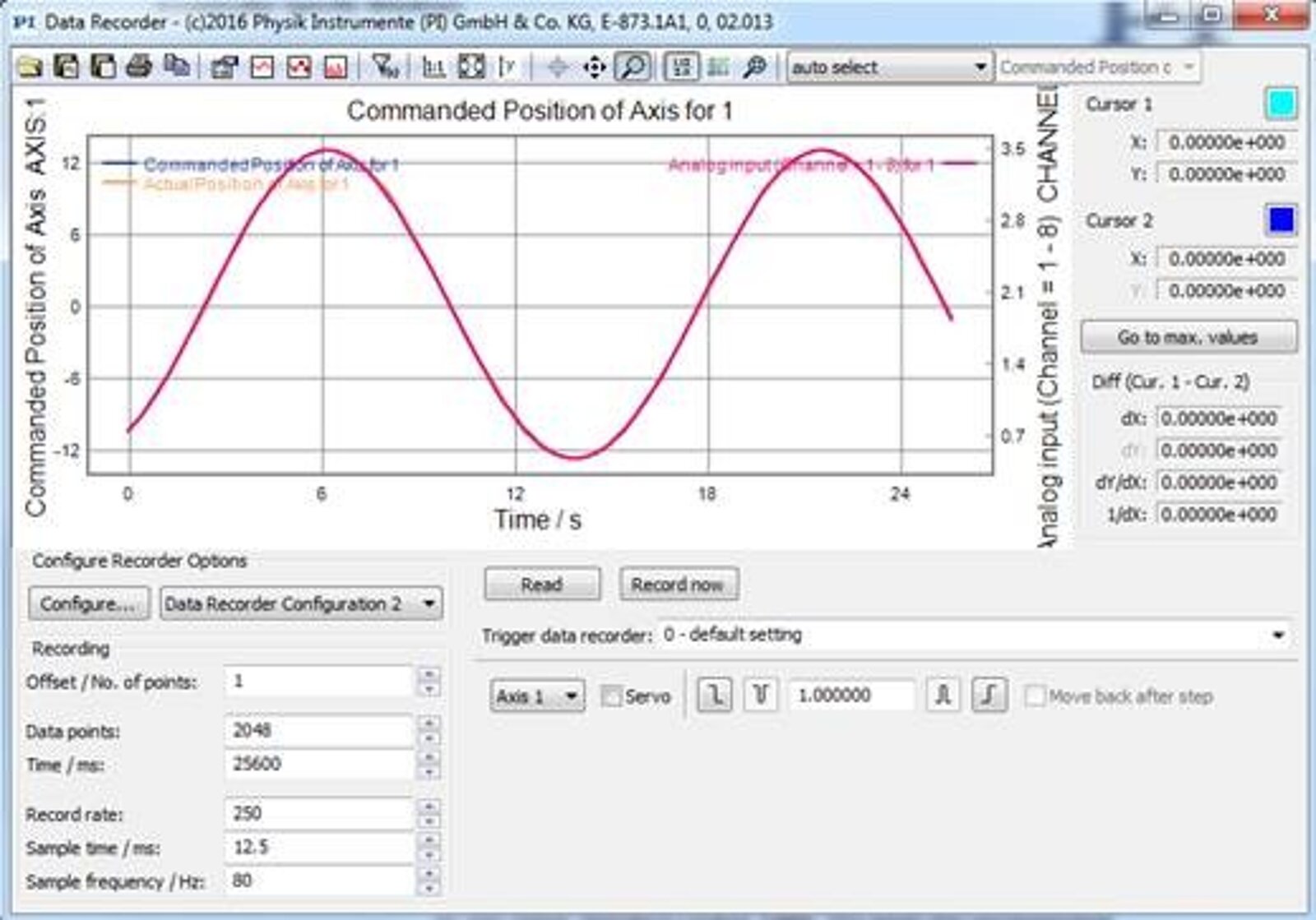
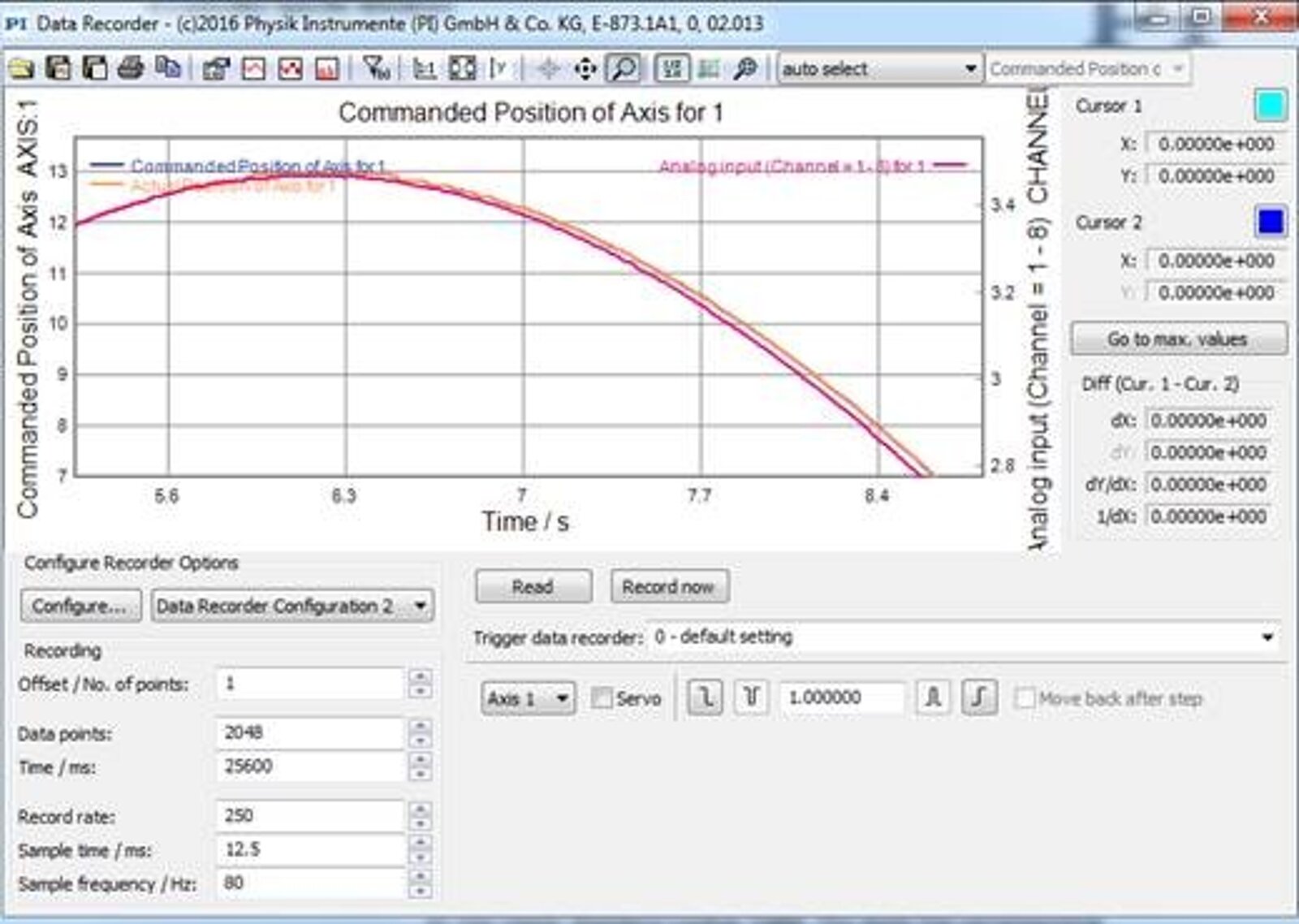
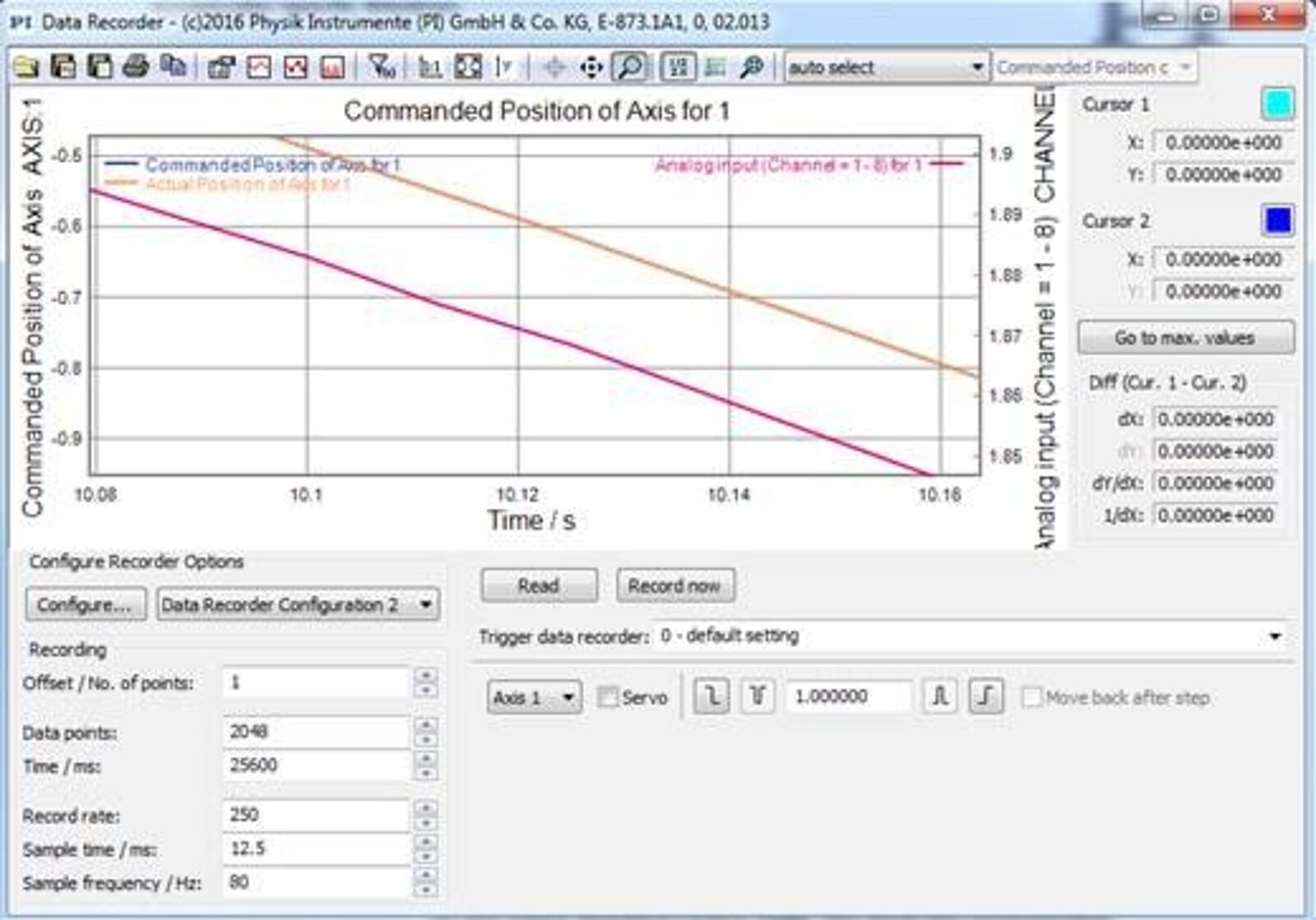
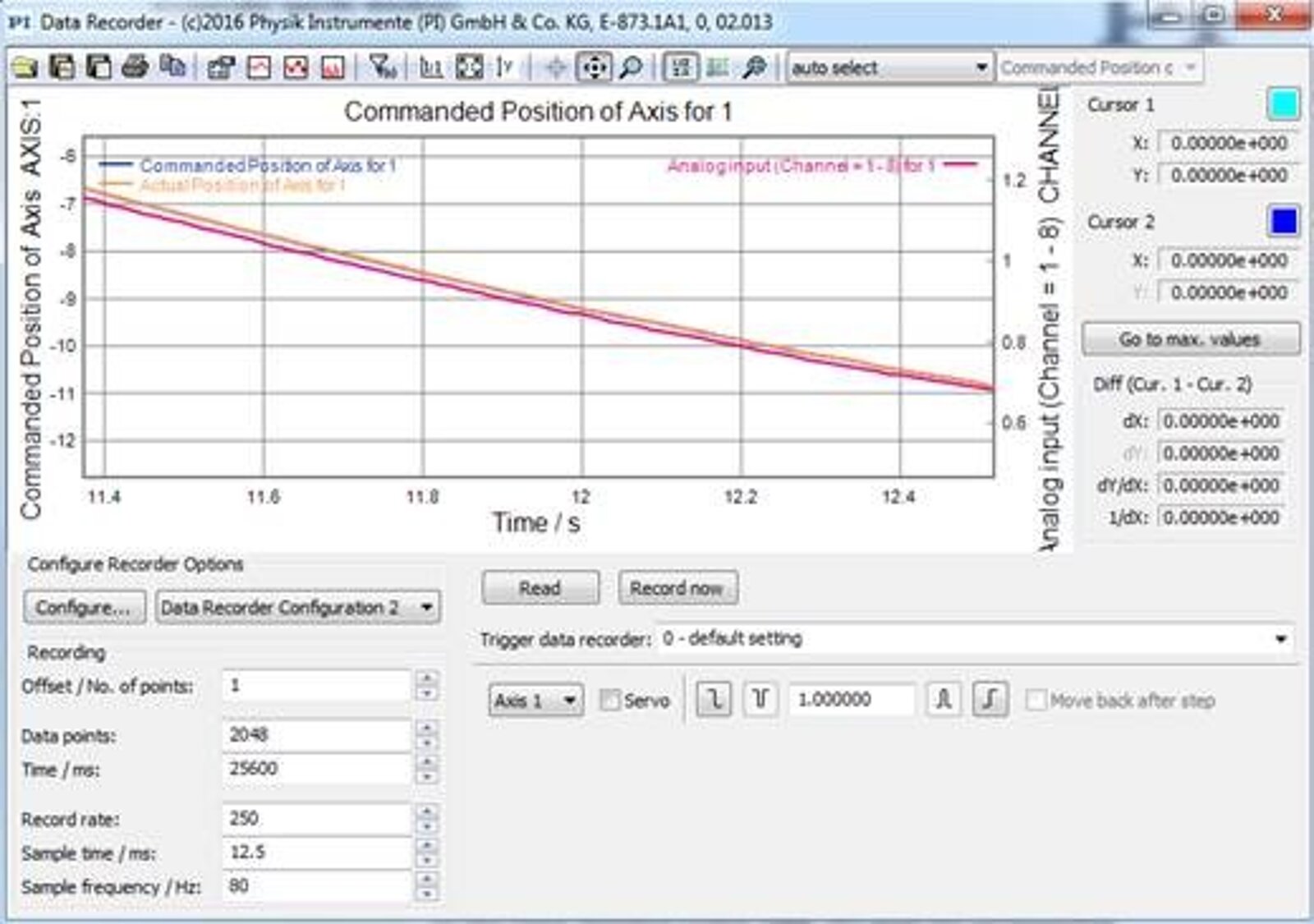
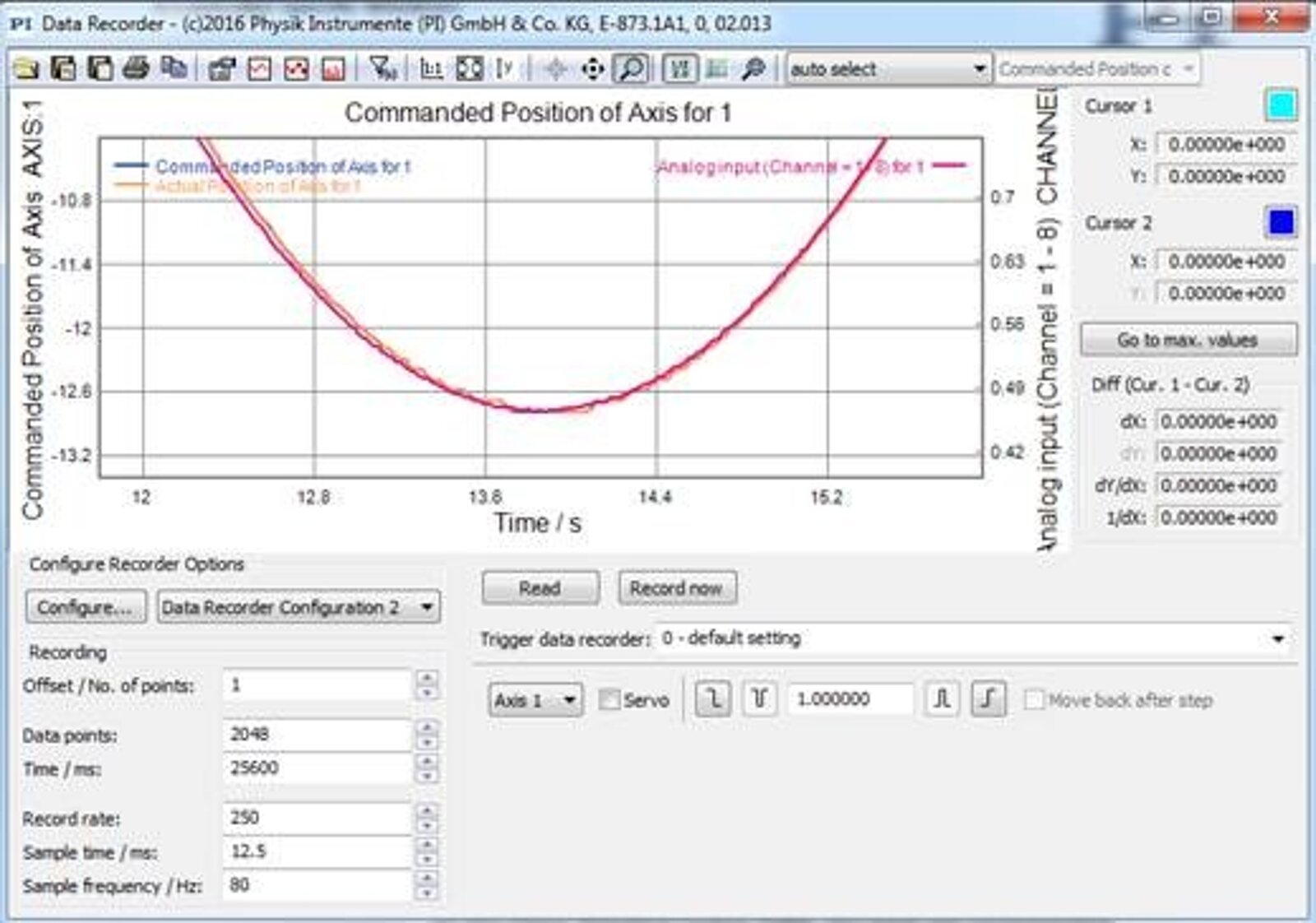
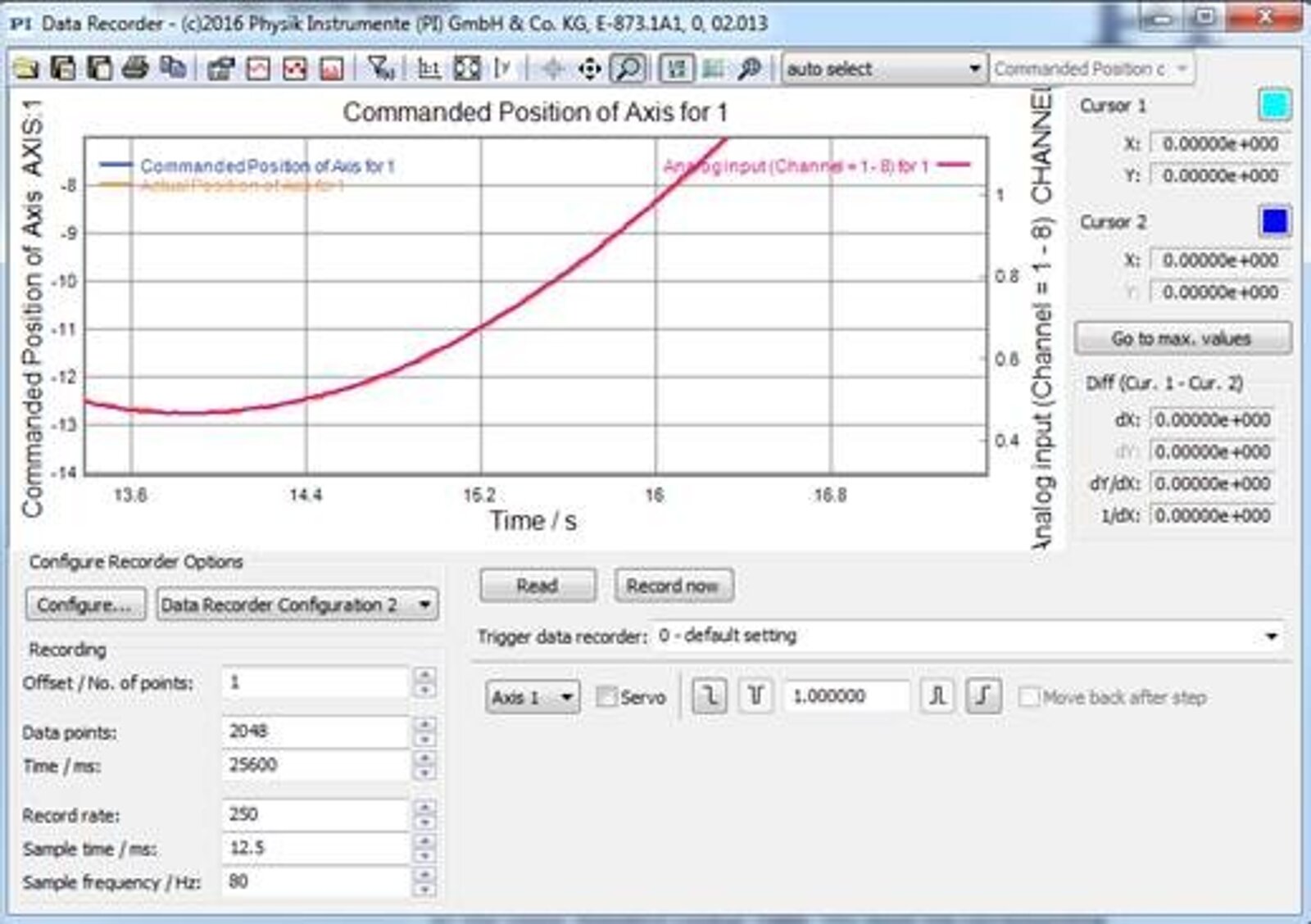
Conclusion
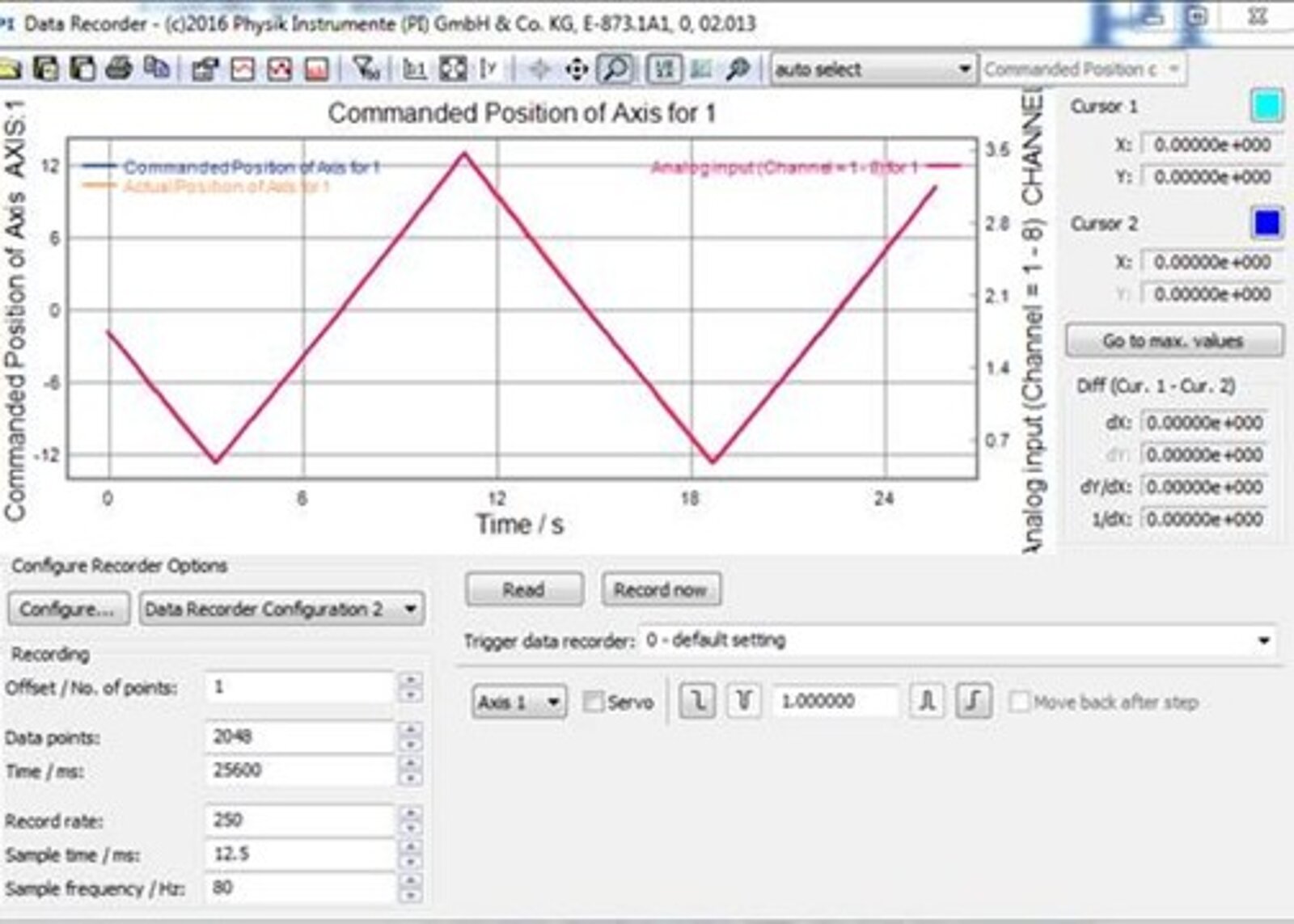
While the E-873 does not natively support direct analog position control comparable to piezo-stack-based nanopositioning systems, analog operation can be implemented through the joystick input as an alternative solution. By using a custom cable and calibrating the input in the PIMikroMove app, an external analog source, such as a function generator, can be used to command motion more directly than through the standard analog I/O method.


Blog Categories
- Aero-Space
- Air Bearing Stages, Components, Systems
- Astronomy
- Automation, Nano-Automation
- Beamline Instrumentation
- Bio-Medical
- Hexapods
- Imaging & Microscopy
- Laser Machining, Processing
- Linear Actuators
- Linear Motor, Positioning System
- Metrology
- Microscopy
- Motorized Precision Positioners
- Multi-Axis Motion
- NanoAutomation
- Nanopositioning
- Photonics
- Piezo Actuators, Motors
- Piezo Mechanics
- Piezo Transducers / Sensors
- Precision Machining
- Semicon
- Software Tools
- UHV Positioning Stage
- Voice Coil Linear Actuator
- X-Ray Spectroscopy